 Arduino & ESP32
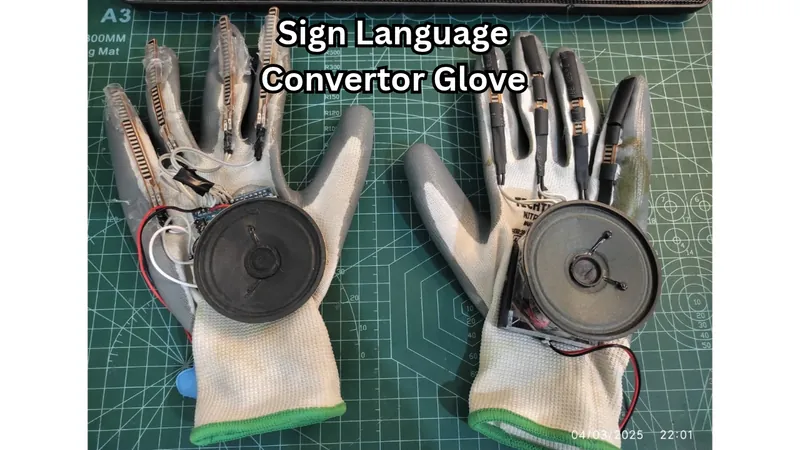
Sign Language Converter Glove Using Arduino Nano & Flex Sensors
Communication is one of the most basic human needs. However, individuals who are unable to speak often face difficulties expressing their thoughts and daily needs to others. This project aims to bridge that gap by converting predefined hand gestures into audible voice messages. The user simply performs a hand gesture, and the glove speaks a corresponding sentence through a speaker. The system uses flex sensors mounted on a glove to detect finger bending. An Arduino Nano processes the sensor readings and triggers a DFPlayer Mini module to play pre-recorded voice messages stored on an SD card.
Project Video Demonstration
Watch on YouTube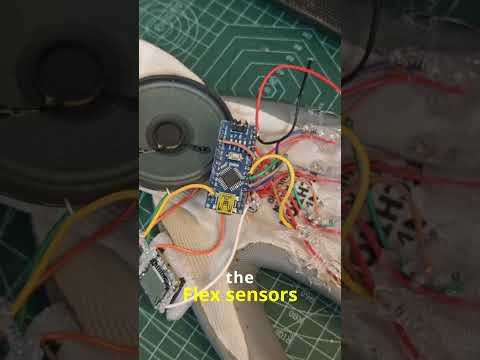 YouTube Video
Required Hardware Components (9)
Arduino Nano
Microcontroller
Flex Sensors
Detect finger bending
DFPlayer Mini
Plays stored audio files
MicroSD Card
Stores voice recordings
Speaker
Produces the voice output
Glove
Provides the wearable platform
10K Resistors
Used with flex sensors as voltage dividers
Battery/Power Supply
Powers the system
Wires
Electrical connections
Step-by-Step Build Tutorial (6 Steps)
Gather all Components & Test
Collect all the required components before starting: Arduino Nano 5 Flex Sensors DFPlayer Mini MicroSD card Speaker Resistors Glove Jumper wires Power supply/battery Before assembling everything, test each component individually to make sure the sensors, Arduino, DFPlayer Mini, speaker, and power supply are working correctly.
Make the Circuit Connections
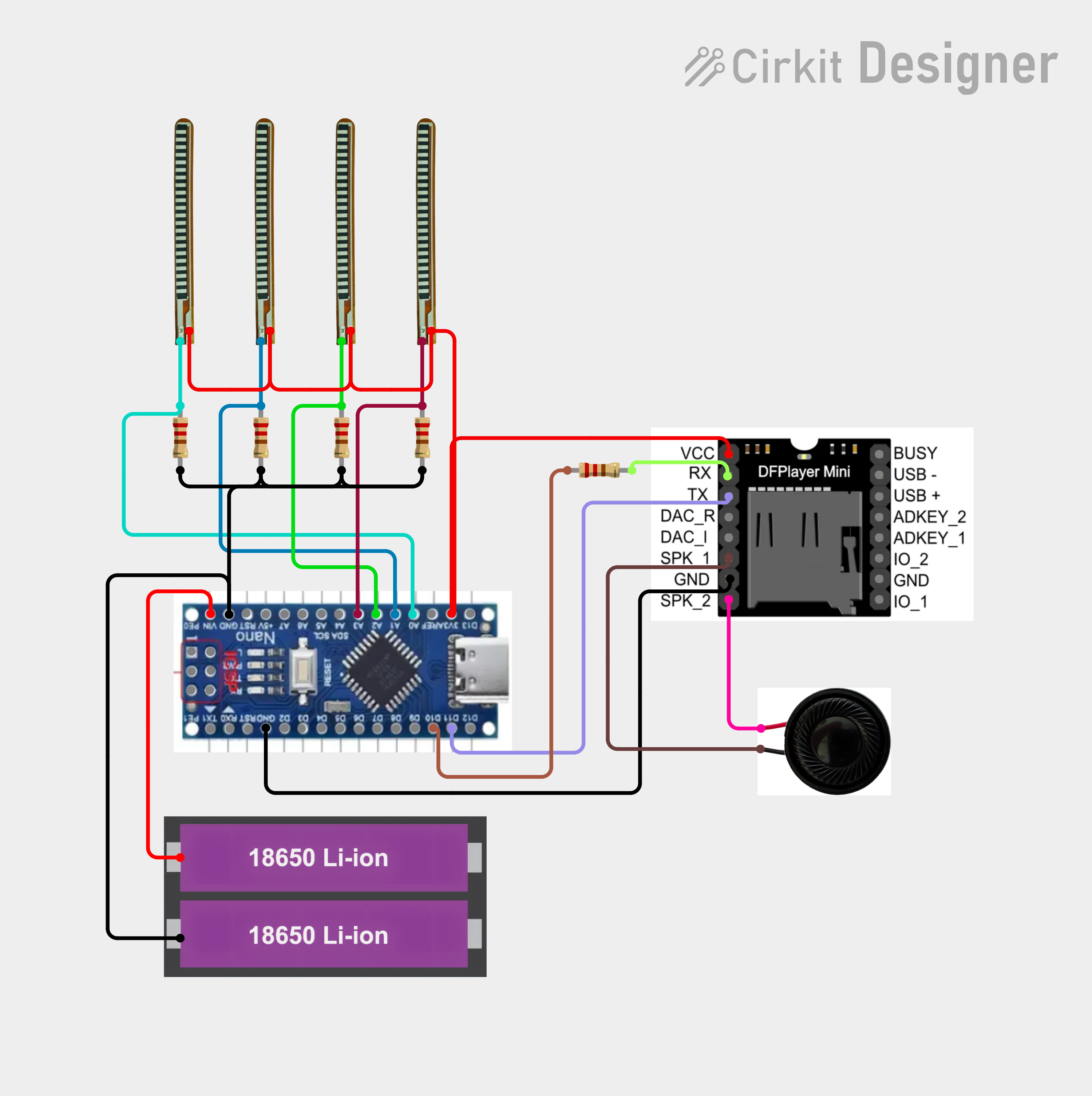
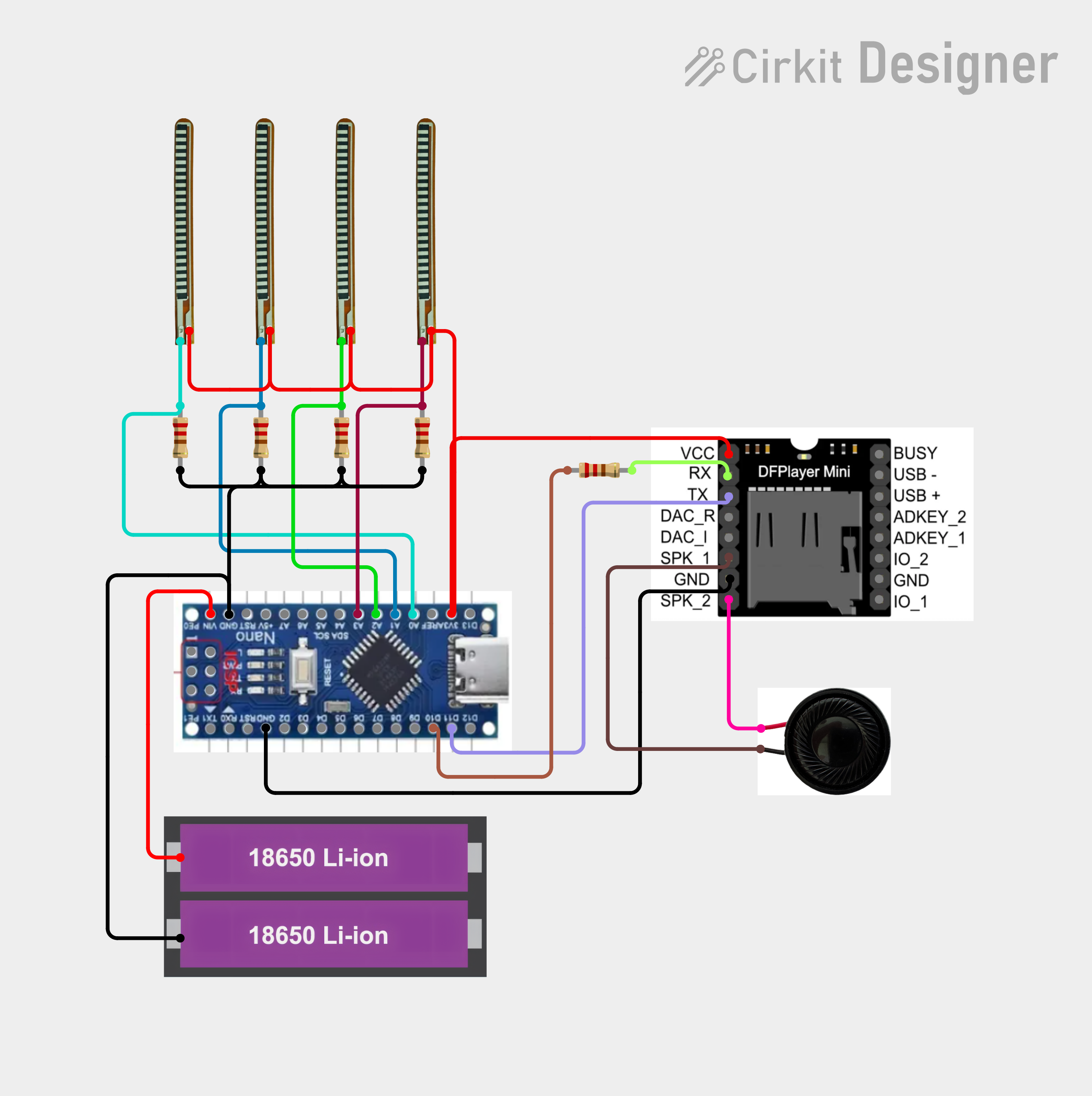
Connect all the components according to the provided circuit diagram. The four flex sensors are connected to the Arduino Nano's analog input pins. Each sensor corresponds to one finger: Index → A0 Middle → A1 Ring → A2 Little → A3 Connect the DFPlayer Mini to the Arduino and connect the speaker to the DFPlayer Mini as shown in the circuit diagram. Tip: Test the circuit on a breadboard first before permanently mounting anything on the glove
Upload the Arduino Code
Once all the connections are complete, connect the Arduino Nano to your computer and upload the required program. The code continuously reads the values from all five flex sensors and compares them with the predefined ranges for each gesture. When a particular combination of sensor values is detected, the Arduino sends the corresponding command to the DFPlayer Mini.
Prepare the Voice Notes
Record the voice messages that you want the glove to speak. Rename the audio files using a simple numbering system: 0001.mp3 0002.mp3 0003.mp3 0004.mp3 0005.mp3 Each number represents a specific message. for example: 0001.mp3 → Hello 0002.mp3 → Thank you 0003.mp3 → I need help 0004.mp3 → I'm hungry 0005.mp3 → I need water Copy all the audio files to the microSD card and insert it into the DFPlayer Mini.
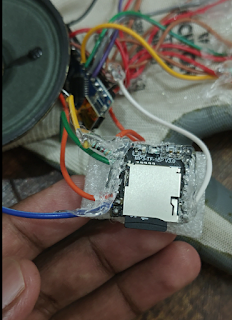
Mount Everything on the Glove
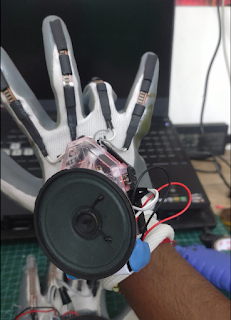
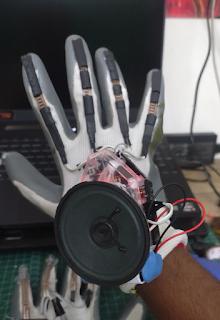
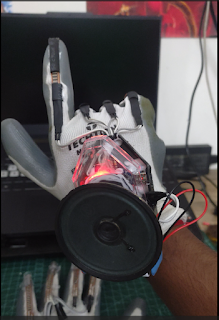
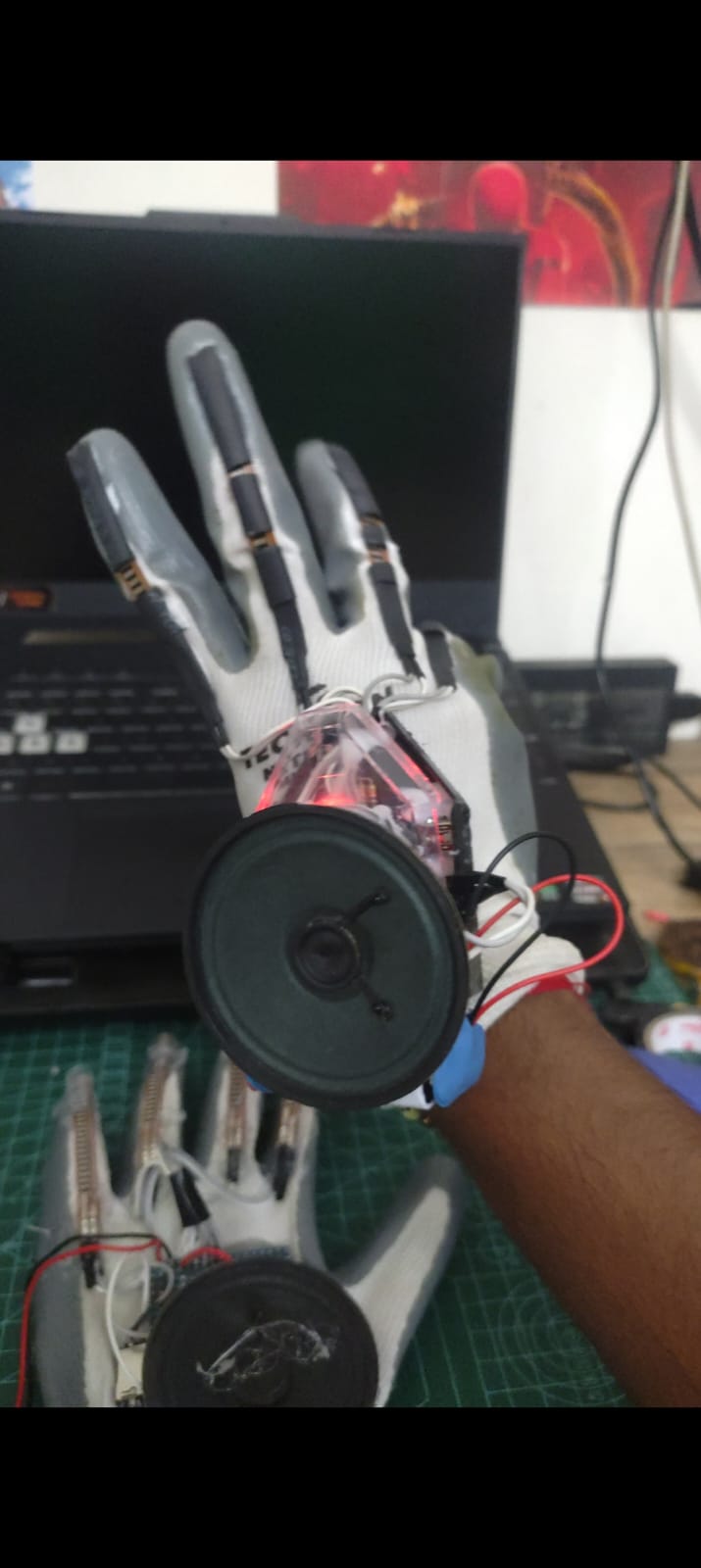
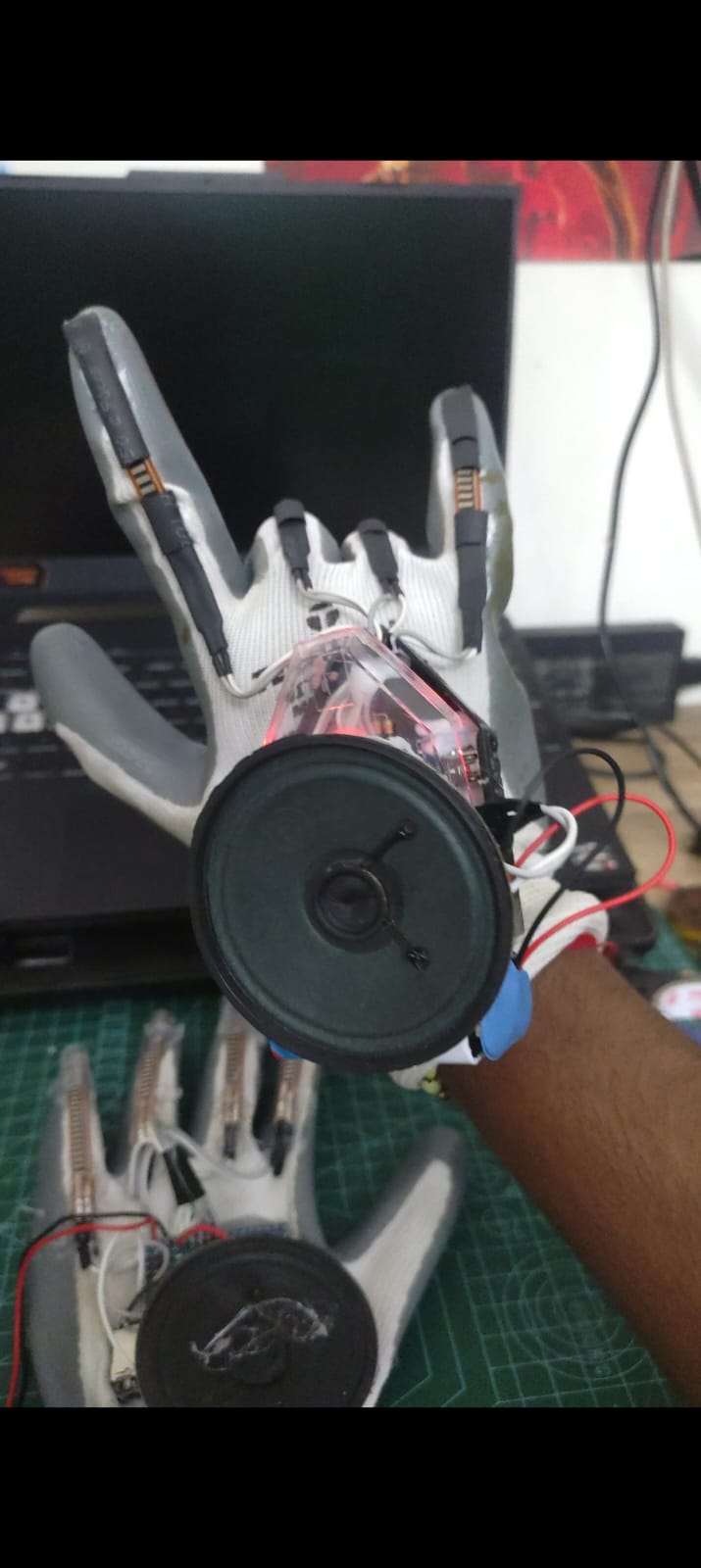
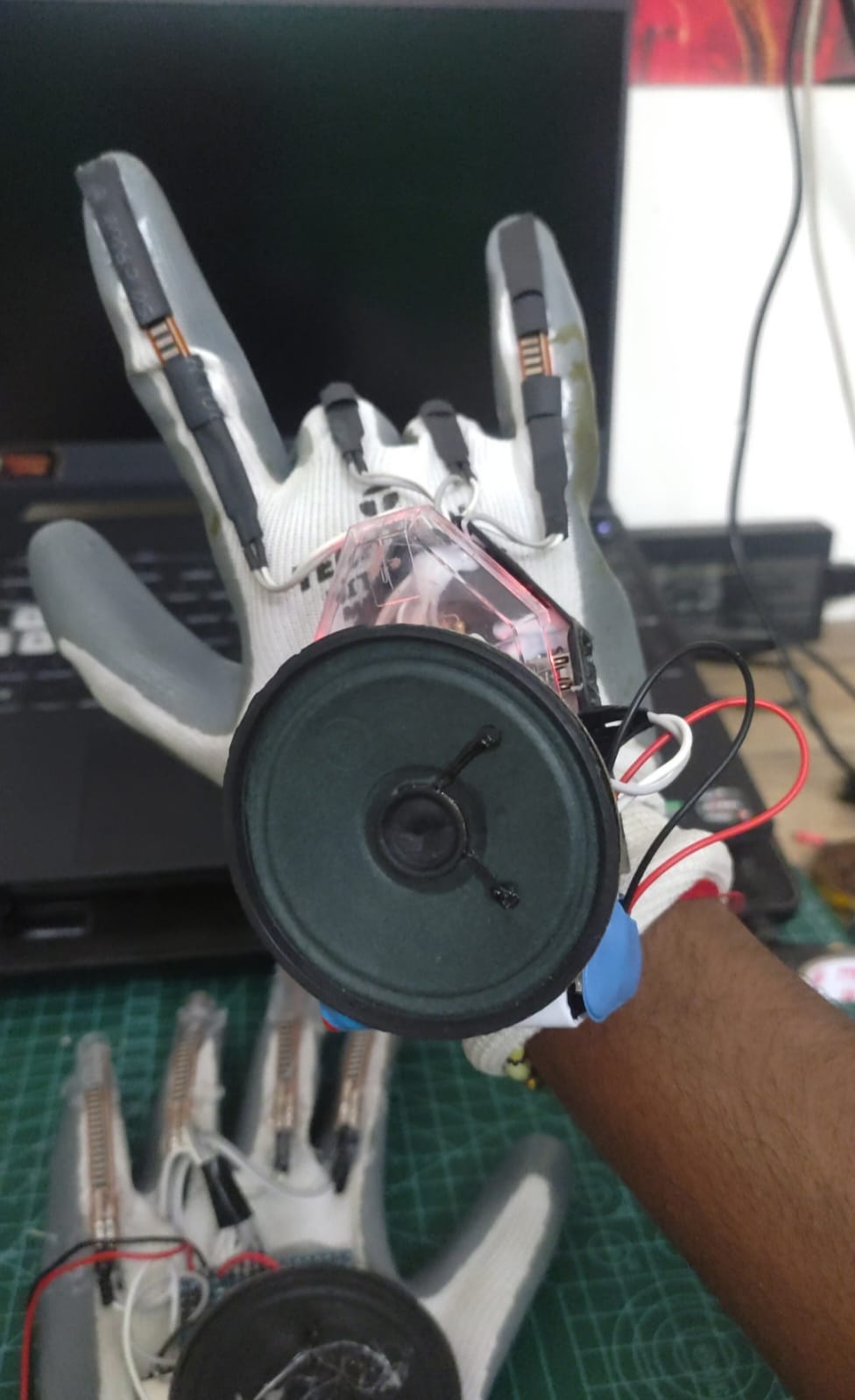
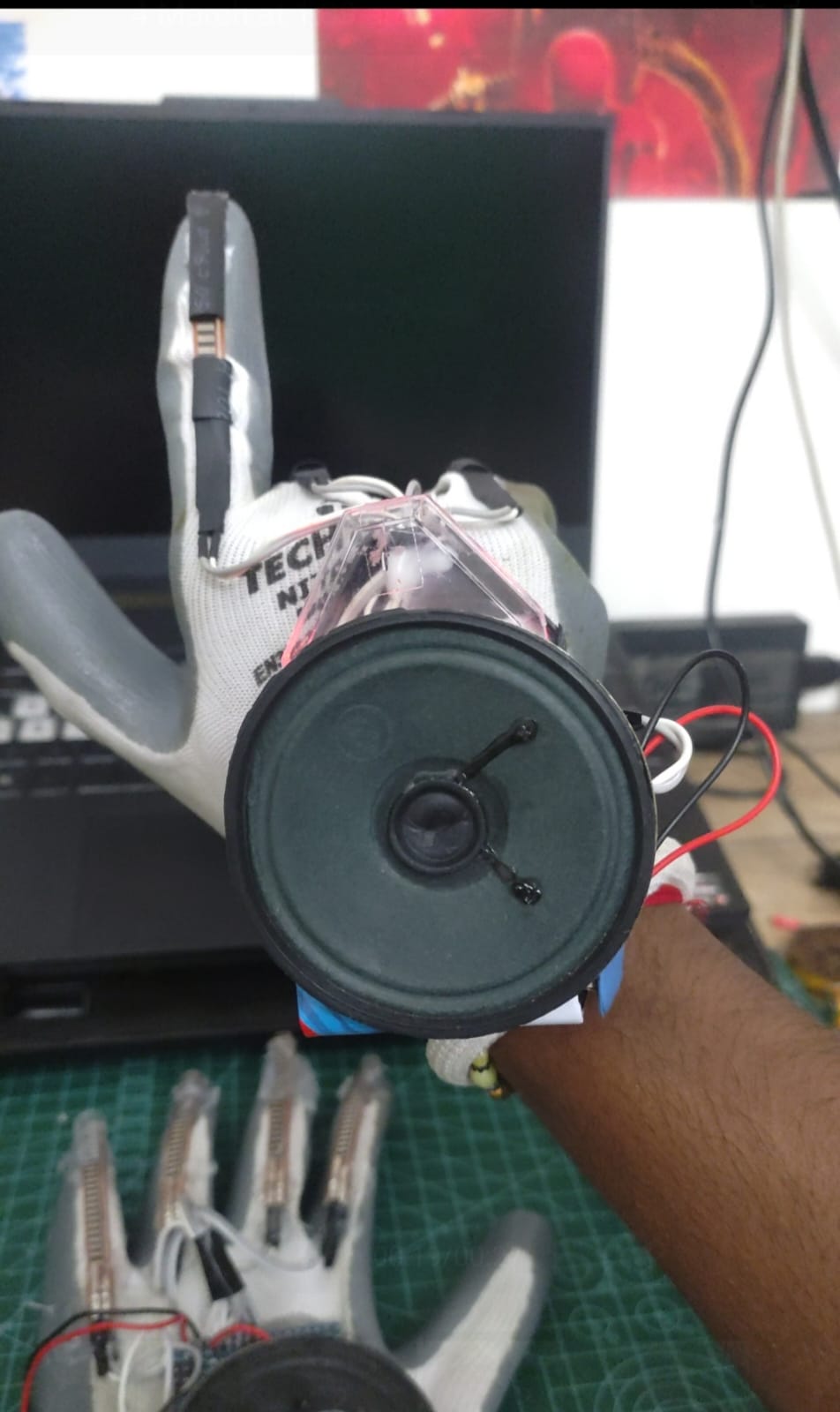
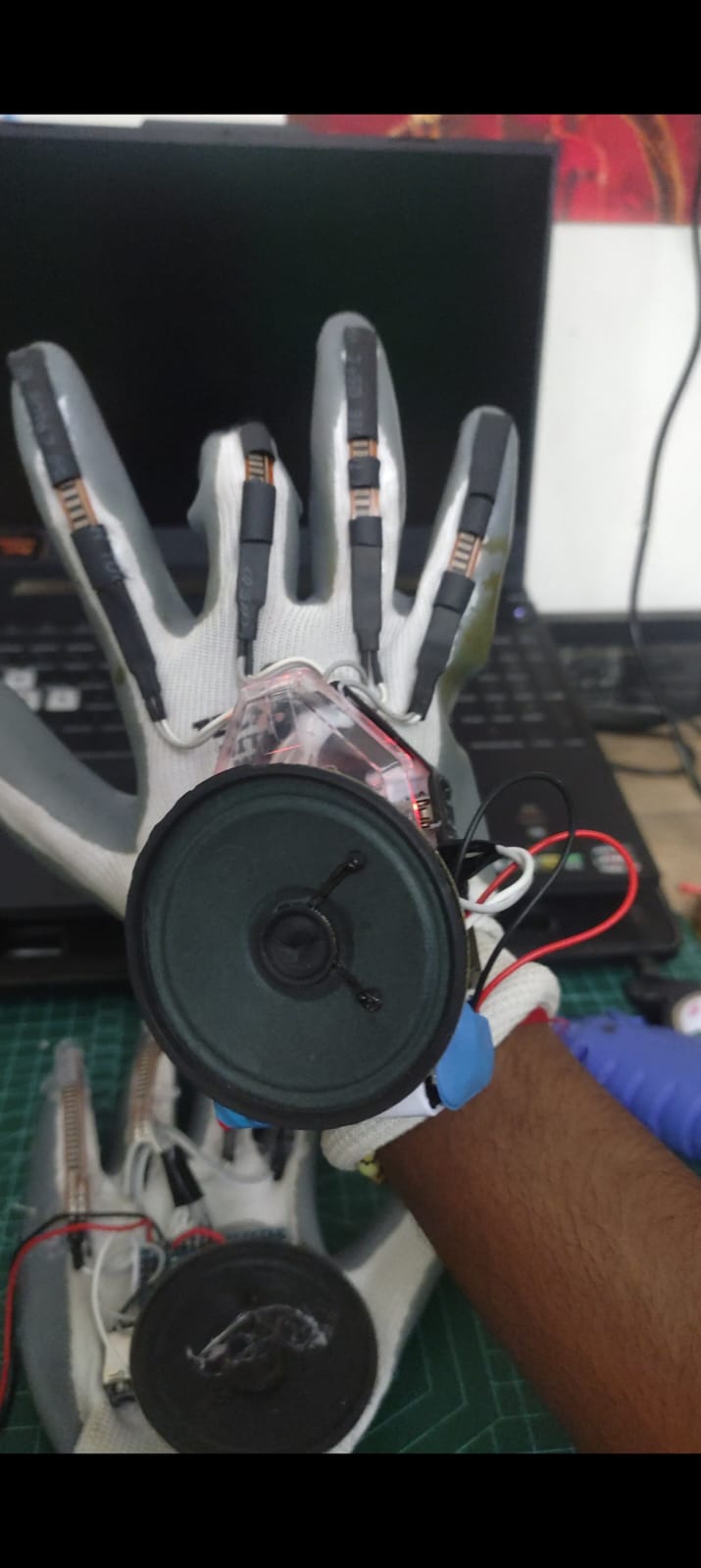
After confirming that the complete circuit works, start mounting the components onto the glove. Place the flex sensors along the fingers so that they bend naturally with the fingers. Secure the Arduino Nano, DFPlayer Mini, speaker, and other electronics in suitable positions on the glove. Keep the wiring secure and flexible enough to allow normal hand movement.
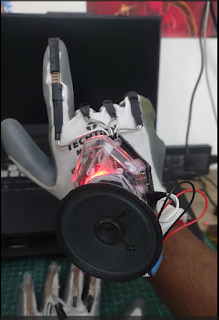
Calibrate and Test the Glove
Wear the glove and perform each gesture several times. Check the sensor values through the Serial Monitor and adjust the thresholds in the code if necessary. Finally, test the complete sequence: Gesture → Flex Sensor Readings → Arduino → DFPlayer Mini → Correct Voice Note → Speaker Once every gesture consistently produces the correct message, the talking glove is ready for demonstration.
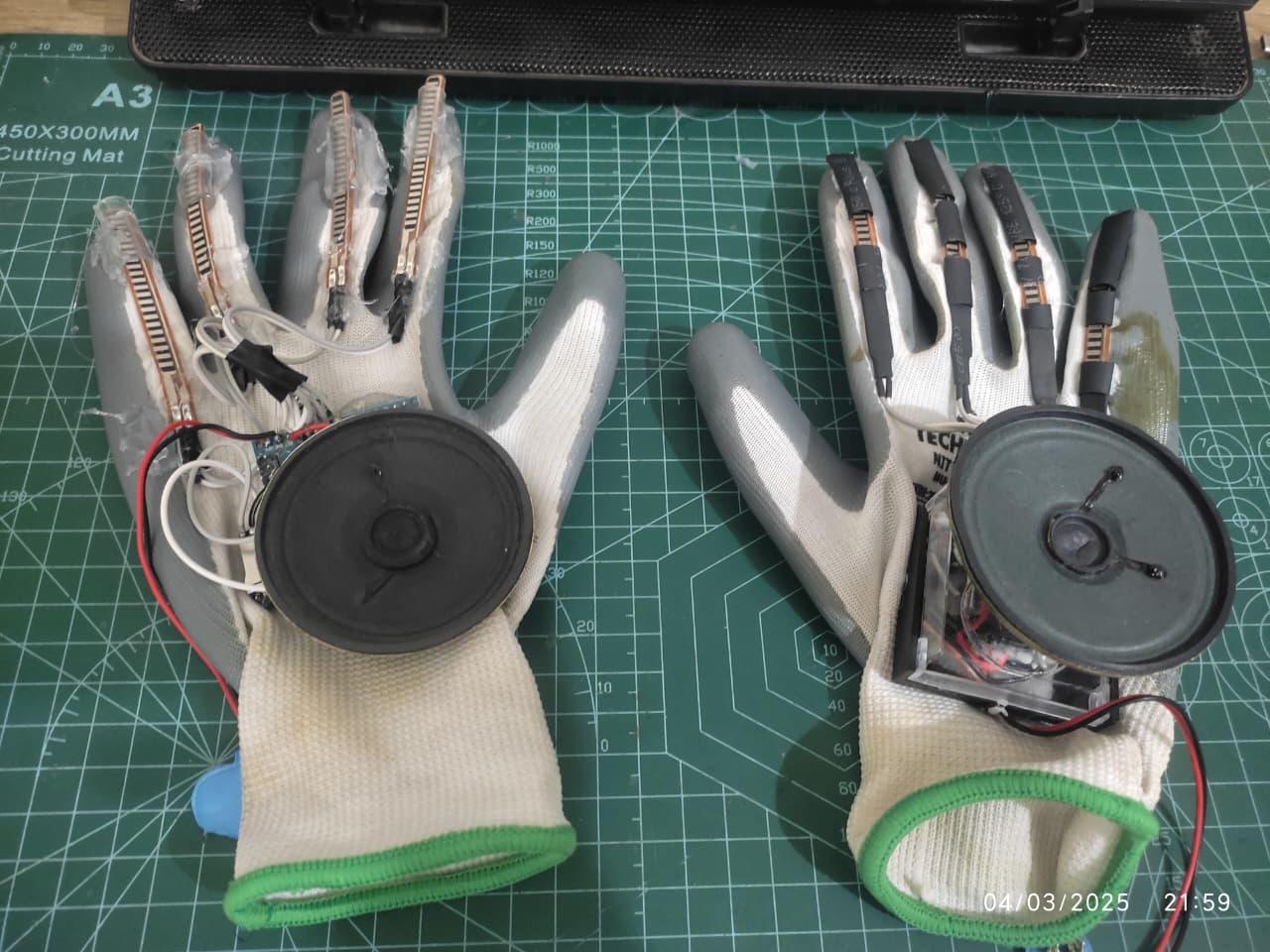
Circuit Schematics & Block Diagram